Run your first endpoint
The installer creates a working page-title endpoint and its offline tests.
1. Open local Studio
From my-integrations:
browserlayer startStudio opens on a loopback URL printed by the CLI. It does not require a cloud login.
2. Run the tests
browserlayer test exampleExpect two passing tests: a successful page load and a website returning HTTP 503. These use fixtures, with network access blocked.
3. Call the website
Start the scaffold's example website in another terminal, from the project directory:
npm run websiteThen run the endpoint:
browserlayer run example page-title --local \
  --input '{"url":"http://127.0.0.1:3415"}' --wait
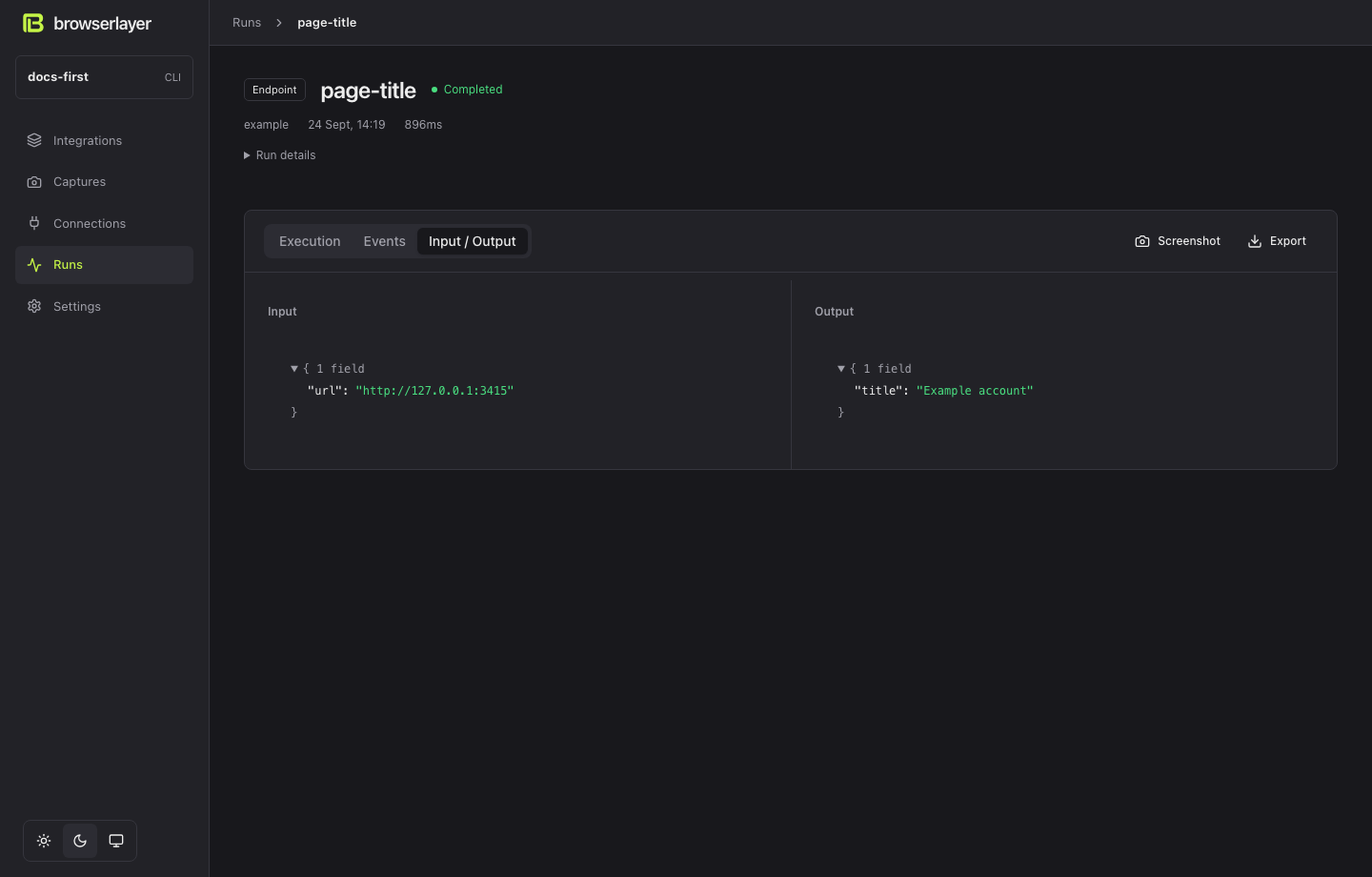
The completed run contains:
{ "title": "Example account" }This run opens the live local website in Chrome. Open Runs in Studio and select page-title to inspect its input, output and browser step. You can then replace the URL with your own website.
4. Read the endpoint
A standalone version of integrations/example/endpoints/page-title.ts:
import { createEndpoint } from "@browserlayer/sdk";
import { z } from "zod";

export default createEndpoint({
  description: "Read a page title.",
  input: z.object({ url: z.url() }),
  output: z.object({ title: z.string() }),
  async exec(ctx, input) {
    return ctx.step("read", async () => {
      const page = await ctx.browser();
      await page.goto(input.url);
      return { title: await page.title() };
    });
  },
});| Part | Meaning |
|---|---|
page-title.ts | Endpoint ID: page-title |
input / output | Zod schemas checked at execution boundaries |
exec | Your implementation |
ctx.step | Records the result so completed work can be reused after a pause |
The scaffold separates its schemas and website helper into their own files. The same rules apply.
Next: Build with your coding agent or follow Atlas.