Connect accounts with hosted Link
Your backend creates a URL. Your user opens it. Browserlayer handles login and MFA.
1. Create a session on your backend
curl "$BROWSERLAYER_API_URL/link-sessions" \
  -H "Authorization: Bearer $BROWSERLAYER_API_KEY" \
  -H 'Content-Type: application/json' \
  -d '{"integration":"atlas-demo"}'
Response shape:
{
  "connection": "connection-id",
  "run": "run-id",
  "hostedUrl": "https://link.browserlayer.dev/connect#session-capability",
  "url": "https://link.browserlayer.dev/widget#session-capability"
}
Save the connection and run IDs against your signed-in user. Return only hostedUrl to the browser. The application API key stays on your server.
2. Open the URL
<a href="HOSTED_URL_FROM_YOUR_BACKEND" target="_blank" rel="noopener">
  Connect your account
</a>
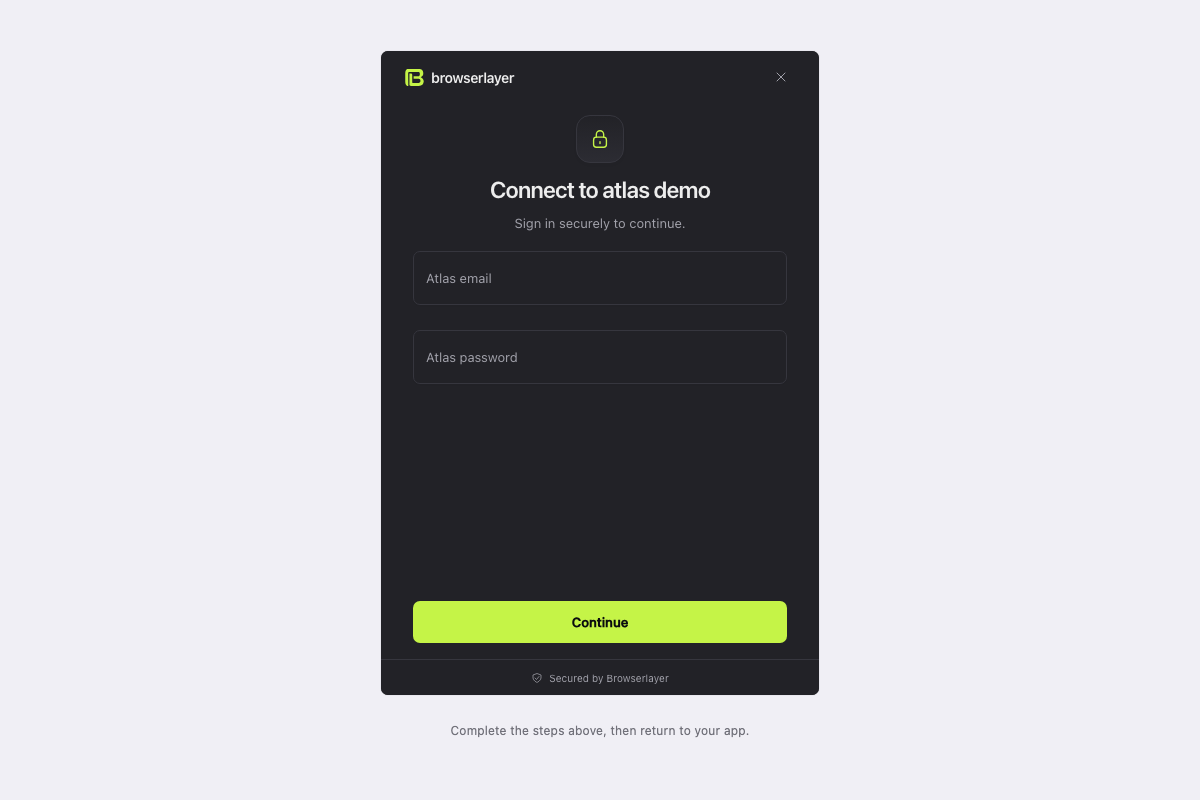
No frontend SDK or callbacks required. The user can refresh Link without cancelling the run. The URL is a private capability and expires with the operation.
3. Verify completion on your backend
curl "$BROWSERLAYER_API_URL/runs/$RUN_ID" \
  -H "Authorization: Bearer $BROWSERLAYER_API_KEY"
Poll until completed, failed or cancelled. Only a completed authentication run establishes success; creating a session is not completion. Your app can show the connected state when the user returns.
Resume an existing run
For an endpoint or sync waiting for input:
curl "$BROWSERLAYER_API_URL/link-sessions" \
  -H "Authorization: Bearer $BROWSERLAYER_API_KEY" \
  -H 'Content-Type: application/json' \
  -d '{"run":"existing-run-id"}'
Open the returned hostedUrl. This attaches to the same run; it does not invoke the endpoint again. Check that the run belongs to the signed-in user before requesting its link.
Reconnect an account
{ "integration": "atlas-demo", "connection": "existing-connection-id" }Send this to POST /link-sessions to preserve the connection ID while authenticating again.
Optional embedding
Use the response's url with mountLink from @browserlayer/link/browser. Embedding requires your app origin to be allowed by the Link host. Hosted links do not require this setup.
Next: Call an endpoint.
Runnable backend example
Copy the standalone example from your alpha checkout:
cp -R "$BROWSERLAYER_SOURCE/examples/production-app" ./my-browserlayer-app
cd my-browserlayer-app
Its README shows how to supply a server-side key and run connect, run, inspect and reconnect. It uses only Node and HTTP. For the complete bookings consumer with signed webhooks and a persisted cursor, see apps/steel-demo/src/consumer.mjs in the checkout.