User input and MFA
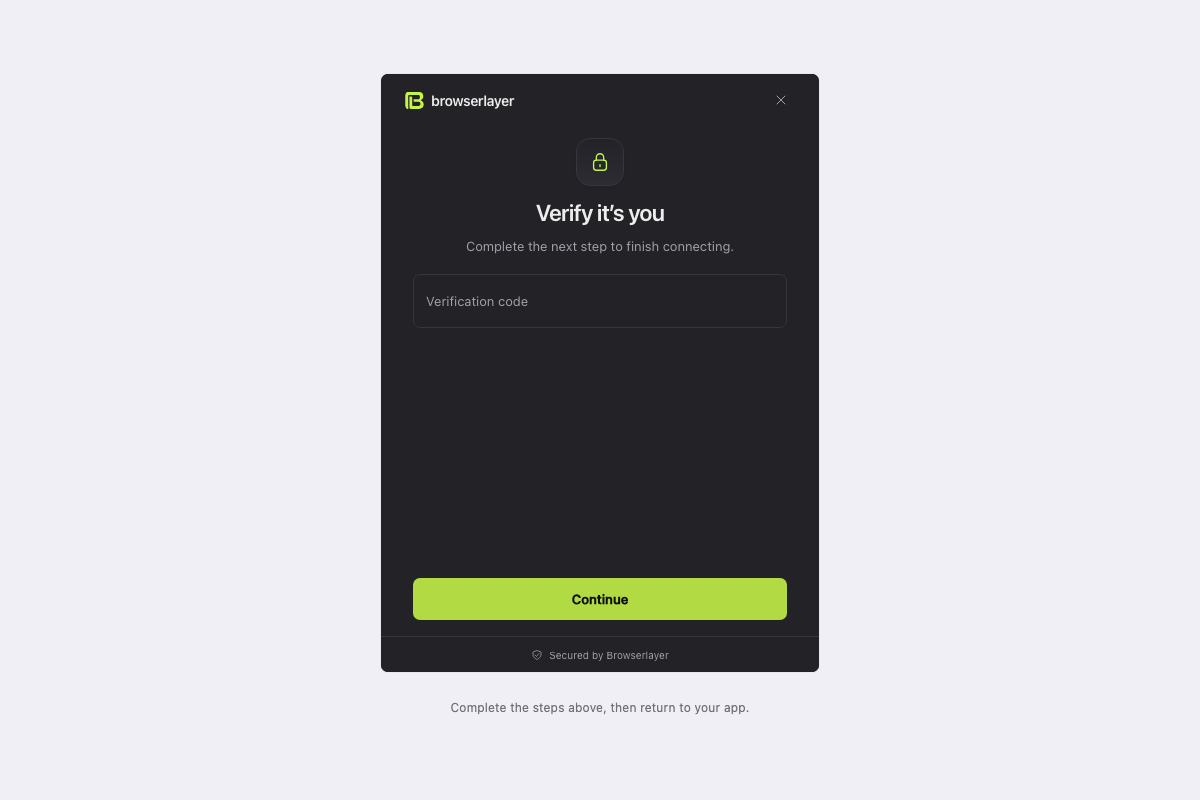
ctx.input pauses execution and lets Link display a form. Submitting resumes the same run.
Request a code
Inside a flow's exec(ctx):
const { code } = await ctx.input("verification", {
  purpose: "operation",
  schema: z.object({ code: z.string().regex(/^\d{6}$/) }),
  fields: { code: { label: "Verification code", type: "text" } },
  message: "Enter the code sent by the website to confirm cancellation.",
});
Import z from zod. Use code in the next durable step to submit the actual website form.
| Purpose | Example | App behavior |
|---|---|---|
connection | Expired login needs MFA | Ask the account holder to restore access |
operation | Cancellation confirmation | Ask the user to confirm this operation |
Authentication flows default to connection purpose. Other flows default to operation purpose.
Rejected input
Inside exec(ctx), call your website's verification helper from a durable step:
for (let attempt = 0; attempt < 3; attempt++) {
  const { code } = await ctx.input("verification", {
    purpose: "operation",
    schema: z.object({ code: z.string().min(1) }),
    fields: { code: { label: "Verification code", type: "text" } },
    ...(attempt
      ? {
          feedback: {
            tone: "error" as const,
            message: "Incorrect code. Try again.",
          },
        }
      : {}),
  });
  const accepted = await ctx.step("verify", () => submitCode(ctx, code));
  if (accepted) return { verified: true };
}
throw new FlowError("VERIFICATION_REJECTED", "Verification attempts exhausted");
submitCode(ctx, code) is your website helper: submit the real form and return whether the website accepted it. Import FlowError from the SDK and use a matching output schema for your flow.
Each request is a new occurrence; a previous code is not reused. Supported field types are text, email and password; schemas describe flat string fields.
Foreground and background
| Run | What happens when it needs input |
|---|---|
| User-driven endpoint | Open hosted Link for the waiting run |
| Scheduled sync | Send run.requires_input; let the user return later |
| Sync already waiting | No overlapping scheduled occurrence is created |